One track.Ten videos before dinner.
Upload your track, pick the part that has to stick and Petal adds lyrics, footage and your cover. Every version a different one, all in 9:16, ready for TikTok, Reels, Shorts and your ads.
- Start for free
- Your own clips or stock
- Lyrics timed automatically
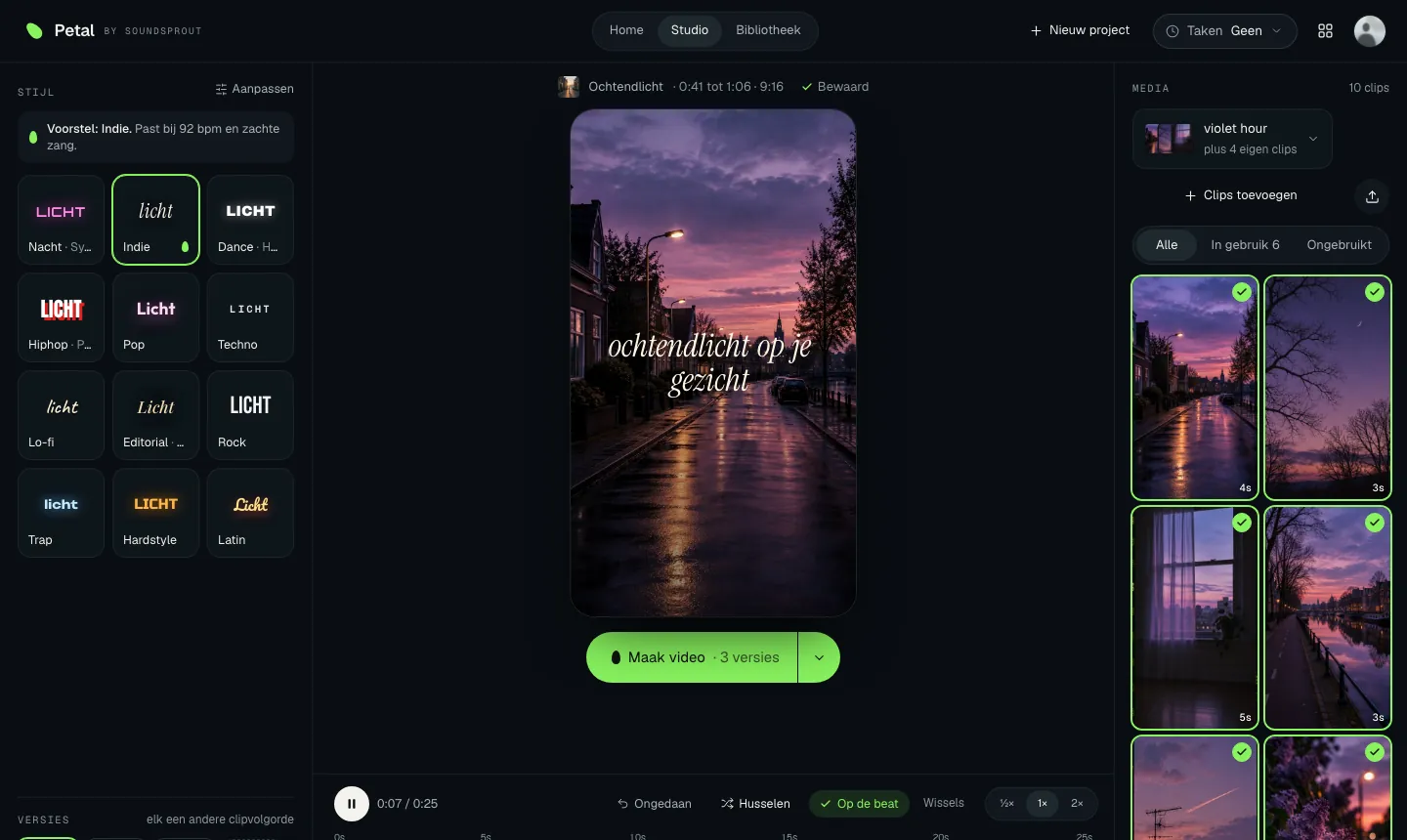
- 01Upload your track
- 02Pick 30 seconds
- 03Download your versions

Three steps, then the studio.
No timeline full of layers. Petal asks you three things and then makes the video. Fine-tuning happens in the studio, with a live preview.

Track
Upload a WAV, MP3, FLAC or M4A. Fill in artist and title or fetch them from Spotify, add your cover and pick 15, 20, 25 or 30 seconds on the waveform.
Lyrics
Petal pulls the lyrics from your fragment and times them word by word. Something off? Tap the word. Or pick one fixed line, like your hook. Your cover text and end text are set separately.
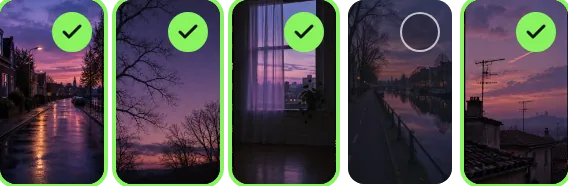
Footage
Choose from your own clips, stock footage or a SoundSprout footage pack. Pick three to eight, or let Petal choose based on your track.
Twelve styles. All yours to shape.
Petal suggests a style based on your track and your genre. Then you adjust font, colour, position and animation, and save it as your own style for the next release.
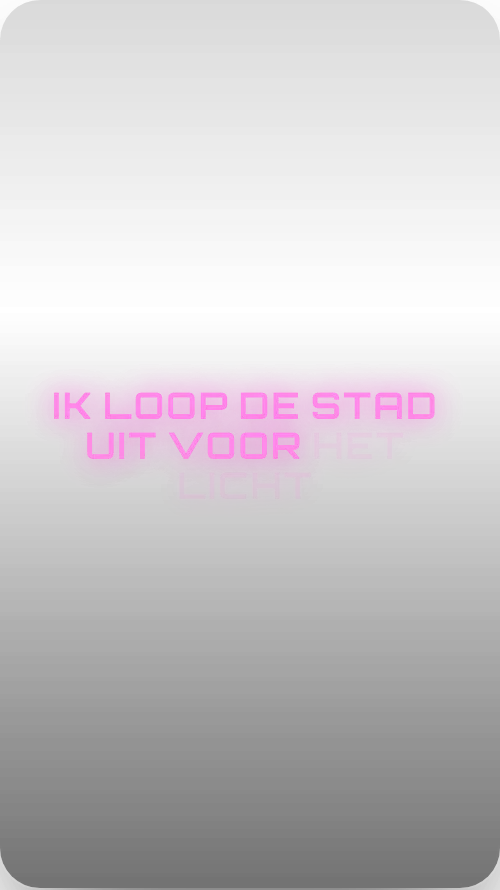
Nacht · Synthwave
Footage: night drive
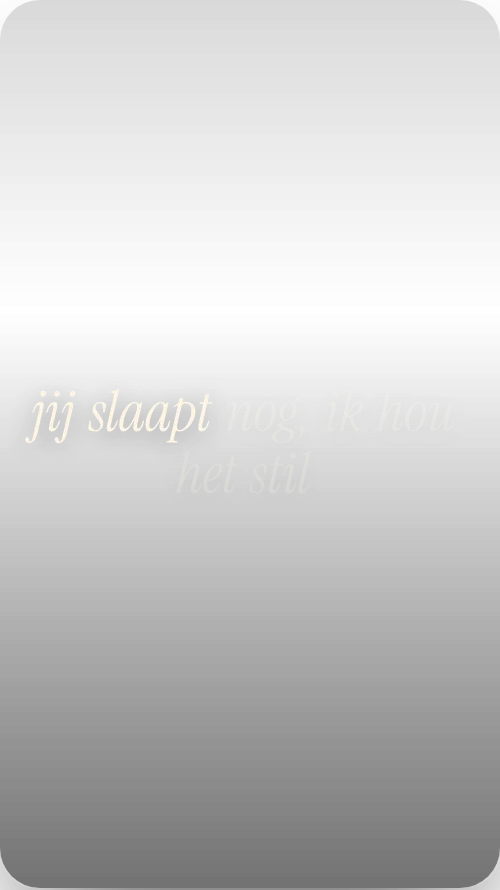
Indie
Footage: violet hour

Hiphop · Phonk
Footage: zwart-wit

Latin
Footage: gouden uur
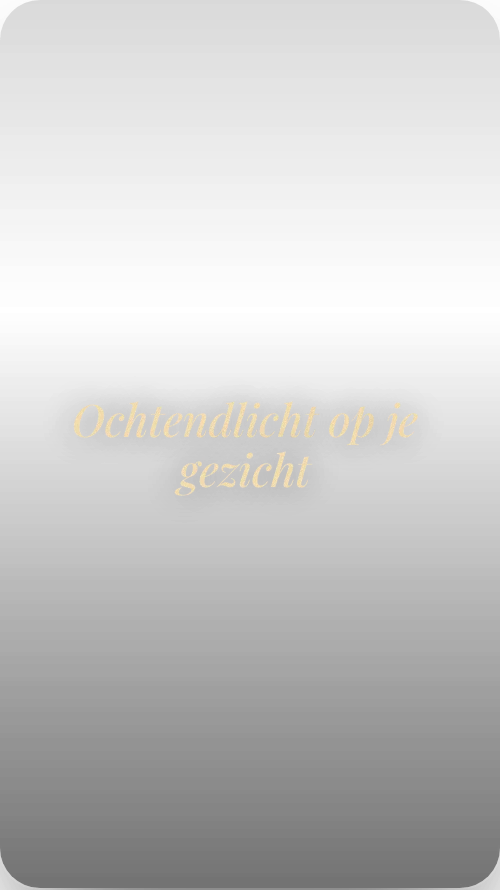
Editorial · R&B
Footage: stille kamer
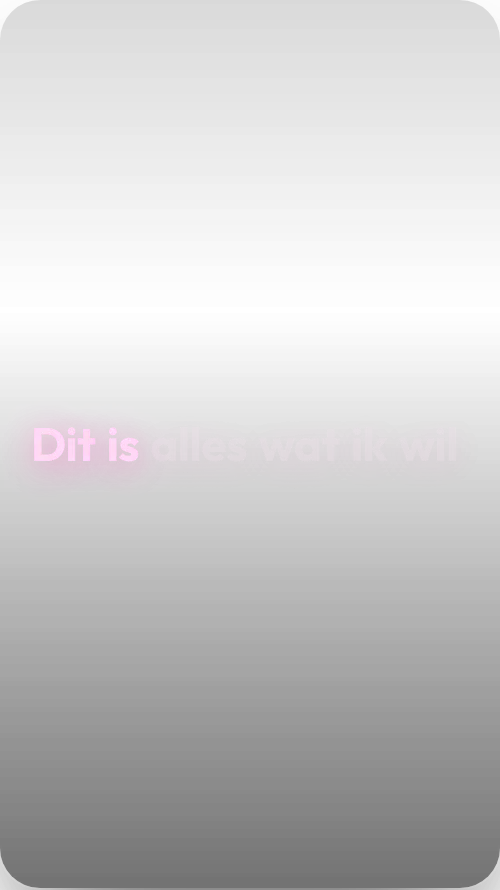
Pop
Footage: roze ruis
- Six more styles:
- Dance· House
- Techno
- Lo-fi
- Rock
- Trap
- Hardstyle
- Your style· Saved for your next track
See it before you render it.
The preview plays your fragment with the clips, the lyrics and your cover, exactly in the rhythm of the edit. What you see is what you get, apart from the final bit of polish.
- Timeline. Every cut sits on the beat. Tap a segment to swap the clip.
- Shuffle. Not happy? One tap and Petal redistributes the clips. Undo brings the previous one back.
- Versions. Make up to five variations at once, each in a different order. Handy for testing which hook works best in your ads.
- Pace. Choose how fast the footage changes: calm for a ballad, fast for a drop.
Quality. Fast (usually ready within a minute) or Motion graphics (animated lyrics, a little more waiting). You see the progress, also outside the studio.


Made for Meta and TikTok, not just your feed.
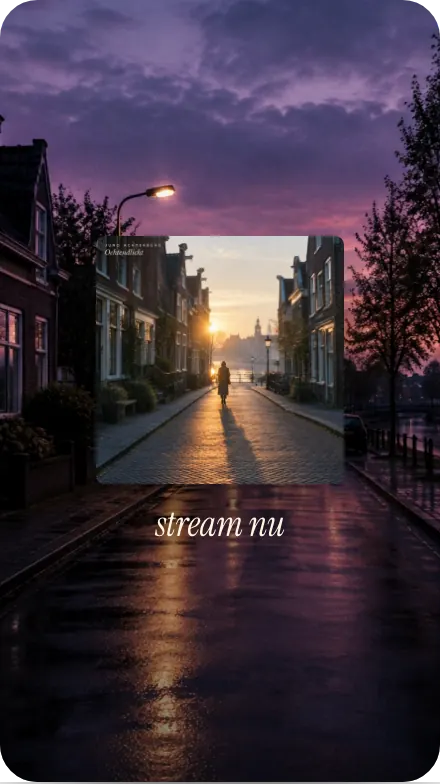
Petal started in our marketing team. Every video is 9:16, 1080 by 1920, with the hook in the first second and your cover as the last frame with "Stream now". Put them straight into your campaign or let our team run them on the data from your Stem page.
- 9:16 for Meta, TikTok, Reels and Shorts
- Five variations for your A/B test
- Cover with a call to action at the end
Your Spotify Canvas, from your own cover.
A Canvas is the short vertical loop that plays behind your track in Spotify. Petal makes it from your cover, your own clip or stock footage, exactly to Spotify's rules.
From your cover
A slow zoom, breathing grain, light leaks or particles over your artwork. Made your cover in Leaf? Then it is ready and waiting.
From your own video
Pick the best stretch of 3 to 8 seconds and slide the 9:16 crop over your footage.
From stock footage
Find a clip and trim it to length. With credit to the maker, as it should be.
- 3 to 8 seconds, 9:16, MP4 without audio: what Spotify asks for is built into the tool
- Seamless loop: the end flows into the start, so you never see the cut
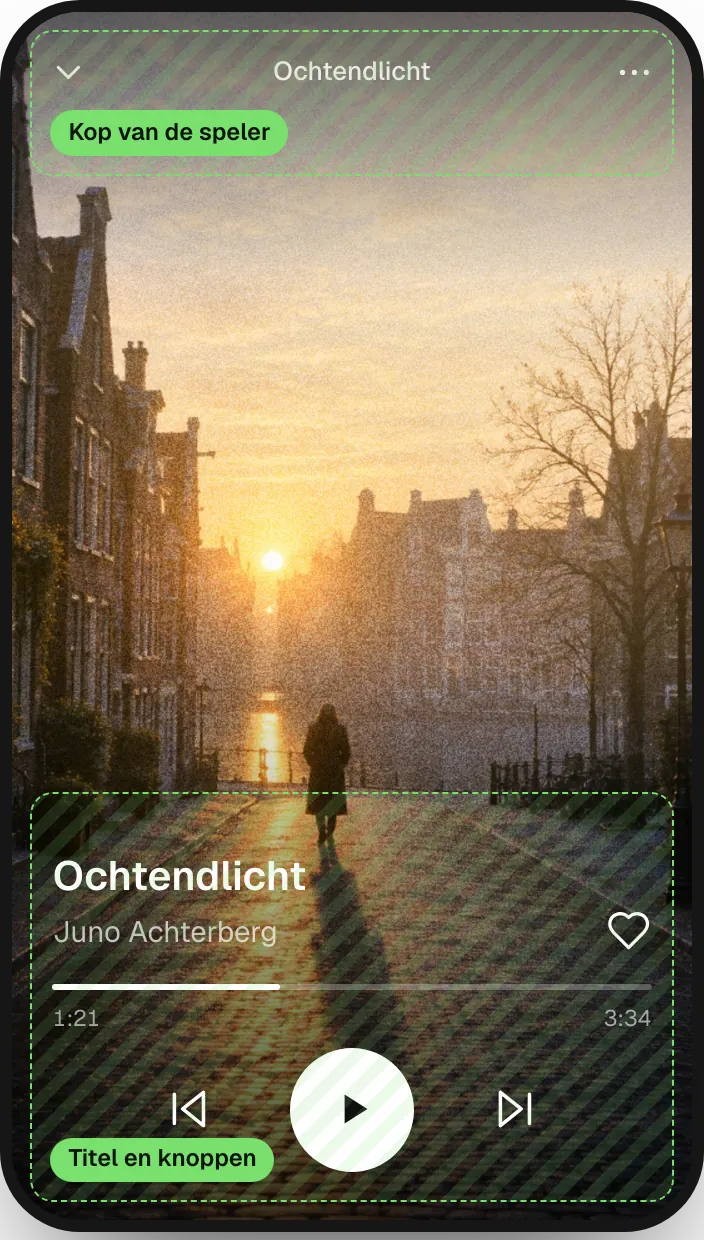
- Preview with the safe zones, because your title and the buttons sit over the bottom of your footage
You upload it yourself in Spotify for Artists; Petal gives you the file and the steps. Your release checklist ticks off "Canvas" for you. With Free you make 1 Canvas a month, with Pro up to 100. Canvas only is possible too: €6 a month or €39 a year, or €2 per release in the Canvas editor. See pricing
Everything of your artist in one place.
Your tracks, your own clips in folders, your saved styles and every video you ever made. Working with several artists? Switch at the top. Clips you save in a collection, you reuse for your next track.
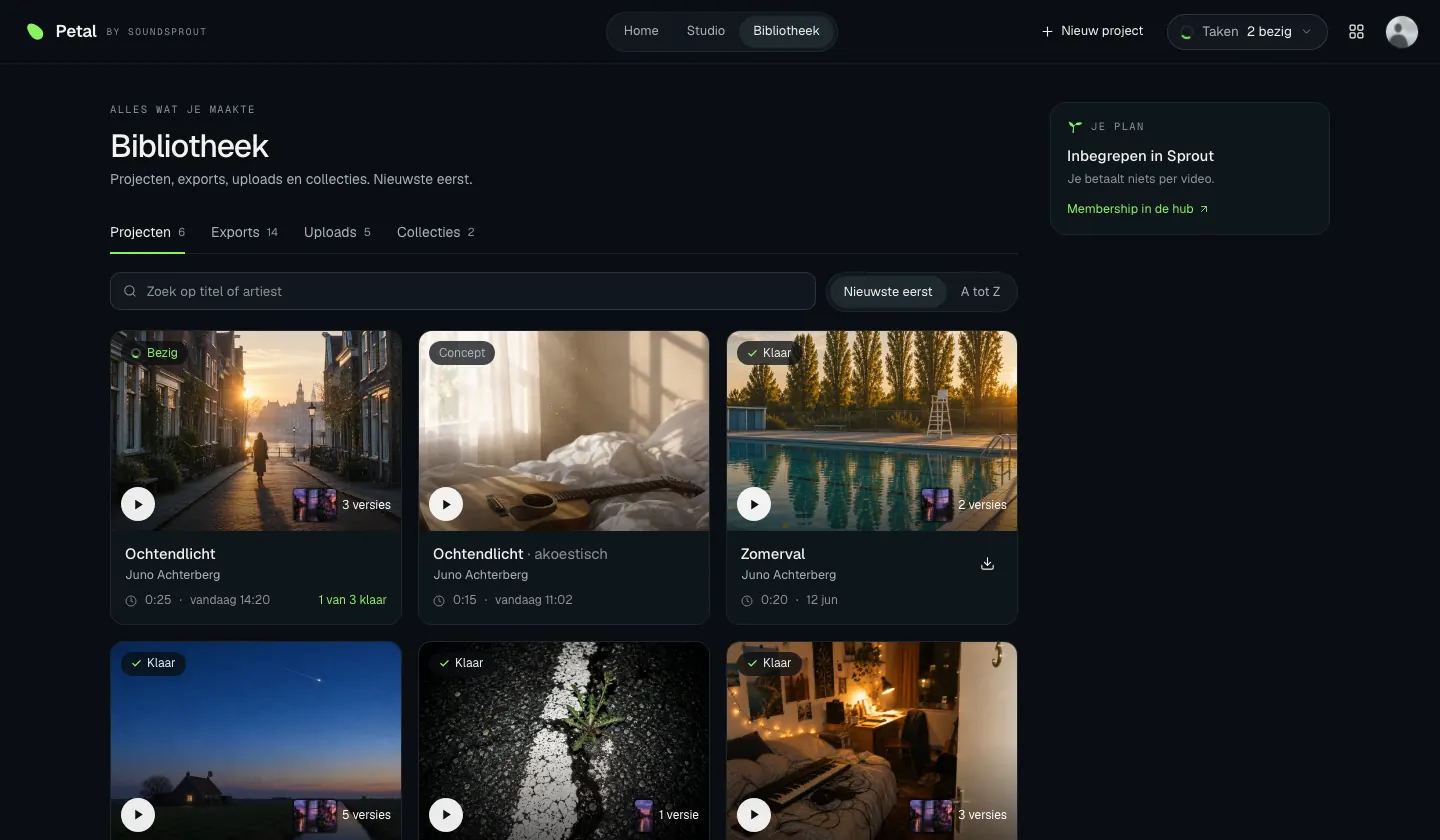
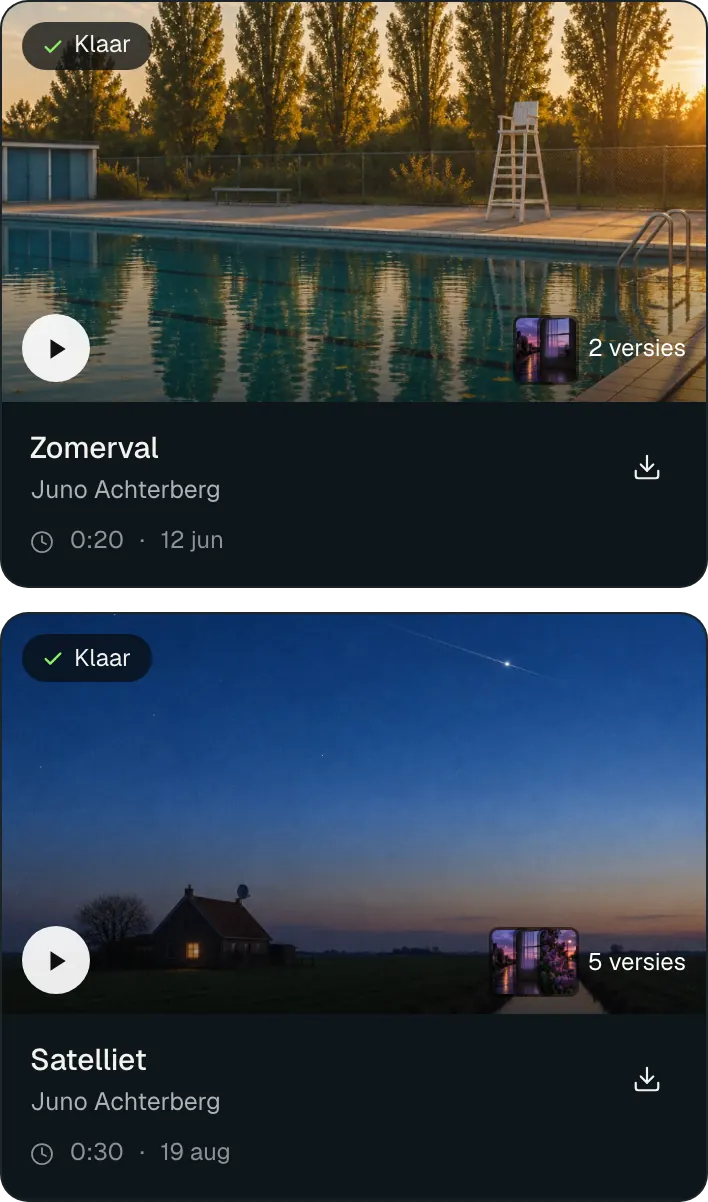
Example with the fictional track Ochtendlicht.
Petal is the petal. The plant grows around it.
Petal is part of SoundSprout, the growth platform for independent artists.
Make your cover in Leaf and turn it into a Canvas here.
The link under your video. Pixels measure who clicks it.
You are here.
Want more? Our marketing team runs your videos as ads, on the same data as your Stem page.
See SoundSproutStarting is free.
Every style, your own clips, the whole studio and Spotify Canvas are in Free, with one video and one Canvas a month. Pro gives you sixty videos a month and up to five versions at a time. For SoundSprout members Pro is included.
Free
- Unlimited projects and previews
- All 12 styles
- Own clips, stock footage and footage packs
- Lyrics timed automatically
- 1 video a month
- 1 Spotify Canvas a month, separate from your video
Petal Pro
- Everything in Free
- 60 videos a month
- Up to 5 versions at a time
- Spotify Canvas: up to 100 a month
SoundSprout members
- Everything in Petal Pro
- Plus the marketing team that can run your videos as ads
- Pro switches on automatically through your package
Questions artists ask us
What does Petal cost?
Starting is free, with every style, your own clips and one video a month. Petal Pro costs €19 a month or €159 a year and gives you sixty videos a month and up to five versions at a time. For SoundSprout members Pro is included.
Who owns the videos?
You do. You can use them anywhere, including paid ads. Stock footage comes with a licence for commercial use; your own clips are yours anyway.
How good are the automatic lyrics?
Good enough to work with straight away, not flawless. Petal times every word; a misheard word is fixed with one tap. With lots of ad-libs or a heavy beat you are better off with one fixed line.
Can I use my own footage?
Yes, in every version. Upload clips per artist, put them in folders and save selections as a collection for your next track.
How long does a render take?
Fast is usually ready within a minute. Motion graphics takes a few minutes. You see the progress and can keep working in the meantime.
What if I stop Pro?
Your projects and videos stay where they are. You go back to one video a month.
Does a Canvas count towards my videos?
No, a Canvas counts separately. With Free you make one a month, with Pro up to a hundred. Only want Canvases? Take Canvas only for €6 a month or €39 a year, or buy one for €2 per release in the Canvas editor.
Can Petal send my Canvas straight to Spotify?
No, Spotify has no connection for that. You upload the MP4 yourself in Spotify for Artists; Petal shows you the steps.