01
Pick a template
Add your photo, your title and your name. You choose colours and font within the template. Want yourself free of the background? Leaf removes it.
Leaf is the cover tool for artists who are not designers. Templates with fixed spots for your photo and your text, so it always works. And that one cover gives you your whole promo set.
Making your cover is free. You log in with your SoundSprout account.
 Checked against distributor requirements
No blank canvas, and no six separate files you line up by hand.
Add your photo, your title and your name. You choose colours and font within the template. Want yourself free of the background? Leaf removes it.
Every format has its own composition in the template. Photo, title and colours move along, so a story is not a stretched cover.
Your cover goes to your release in SoundSprout and ticks that item off your checklist. Download the promo set file by file or as one zip.
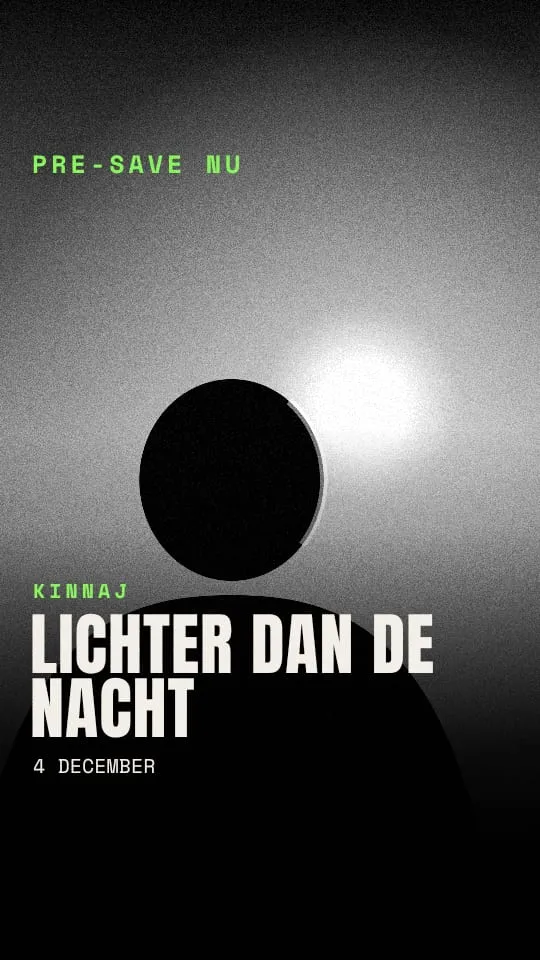
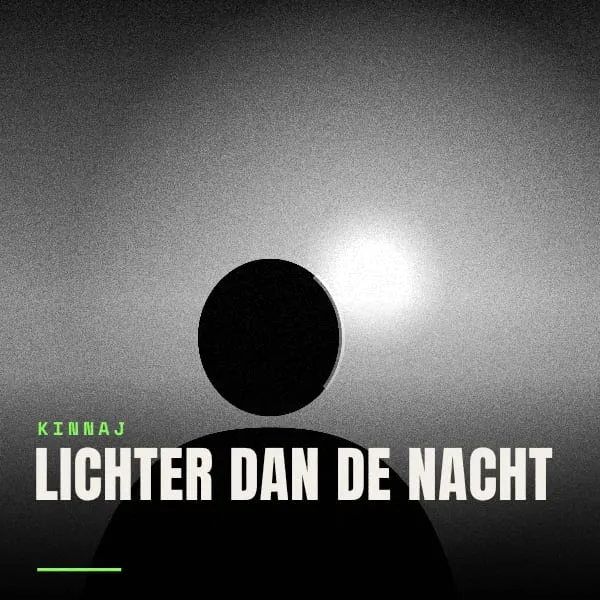
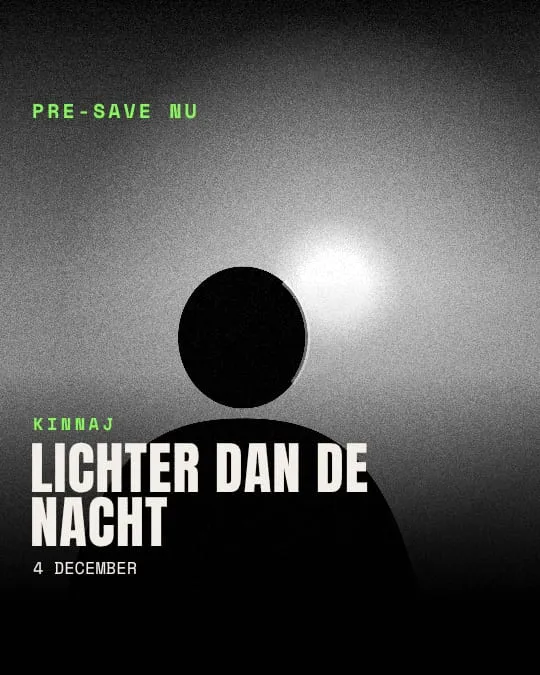
This is what Leaf makes from one cover. The sizes are what the platforms ask for. The promo formats get a pre-save version with your release date and an out-now version.
For your distributor and the streaming services. No promo text.
For the Instagram and Facebook feed.
For stories and TikTok, with room for pre-save or out now.
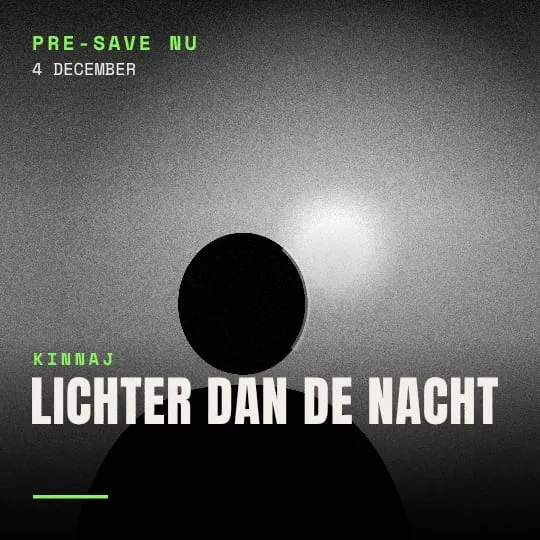
For Instagram and Facebook.
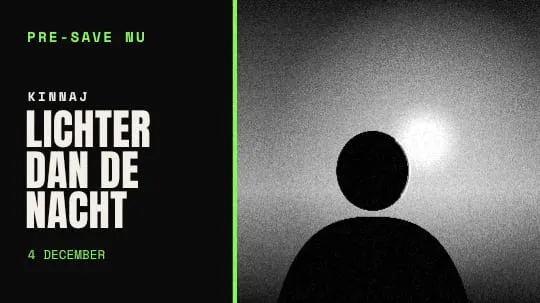
For your video, visualizer or lyric video.

The header image of your artist profile. No text, as Spotify asks.
Example: the Night current template, rendered by Leaf.
DistroKid and the streaming services reject covers with a URL, an @handle or promo text like "out now". A rejected cover has to be delivered again, and that can delay your release. Leaf reads the text on your cover and explains what is wrong.
Leaf warns, you decide. Nothing gets blocked silently. On your Spotify header Leaf warns about any text: Spotify allows no text and no promotion there.
In a playlist or search result your cover is a small square next to your title. Leaf shows your cover at 64 and at 300 pixels, like in a streaming app. You see right away whether your title is still readable and your photo holds up.
Leaf puts the final cover on your release in the hub at app.soundsprout.nl and ticks off the cover on your release checklist. Other SoundSprout tools pick it up from there.
Want a Spotify Canvas, the short loop behind your track? From Leaf you open Petal with your release attached; Petal picks up your cover itself.
Leaf removes the background from your photo, so you can place yourself on a colour or texture from the template.
Every font in Leaf is under the SIL Open Font License. You can use them on your cover and in your promo, commercially too.
Making and exporting your cover costs nothing, without a watermark. You pay for the promo set: per release, or one year for all your releases. There is no monthly plan.
Your cover, ready for your distributor.
No payment details needed
Everything for one release.
One-off. Leaf asks which release.
For artists who release more often.
Paid once a year. No monthly plan, does not renew by itself.
Leaf is part of your package.
With the Sprout and Forest packages
Making and exporting your cover is free in every version, without a watermark. What you have rendered stays downloadable, also when your Pro year ends.
Making and exporting your cover is free, with the basic templates and the distributor check, without a watermark. A release kit costs €9 one-off and gives you all templates and the full promo set for that one release. Leaf Pro costs €79 a year and covers all your releases. For SoundSprout members with Sprout or Forest everything is included. All prices include VAT.
Yes. Every font in Leaf is under the SIL Open Font License, an open licence. You can use them on your cover and in your promo, also for music you sell or stream.
You do. You upload them to make your cover and your promo. They are kept in protected storage that only opens through your own account, and ownership stays with you. Do only use photos you hold the rights to; your distributor asks for that too.
DistroKid and the streaming services reject covers with URLs, @handles, email addresses, prices or promo text like "out now". A rejected cover has to be delivered again, and that can delay your release. Leaf explains what it sees; you decide whether to change it.
The cover at 3000 x 3000 px, a square post (1080 x 1080), a portrait post (1080 x 1350), a story (1080 x 1920), a YouTube thumbnail (1280 x 720) and a Spotify header (2660 x 1140). Every format has its own composition in the template.
On your release in the SoundSprout hub, where it ticks off the cover item on your release checklist. You also download it yourself, to upload to your distributor.
You log in with your SoundSprout account.
Cookies
With your consent we measure visits with Google Analytics (Google). You can change this at any time via Cookie settings at the bottom of every page. Read our cookie policy .